

Choosing between SD card manufacturers matters more than the label on the card. Two cards with the same capacity and speed class can differ in NAND flash, controller firmware, temperature rating, and how long the same build stays available. This guide explains what SD card companies actually make, what to check before you choose an SD card company or supplier, and which customization and integration questions to settle before volume production.
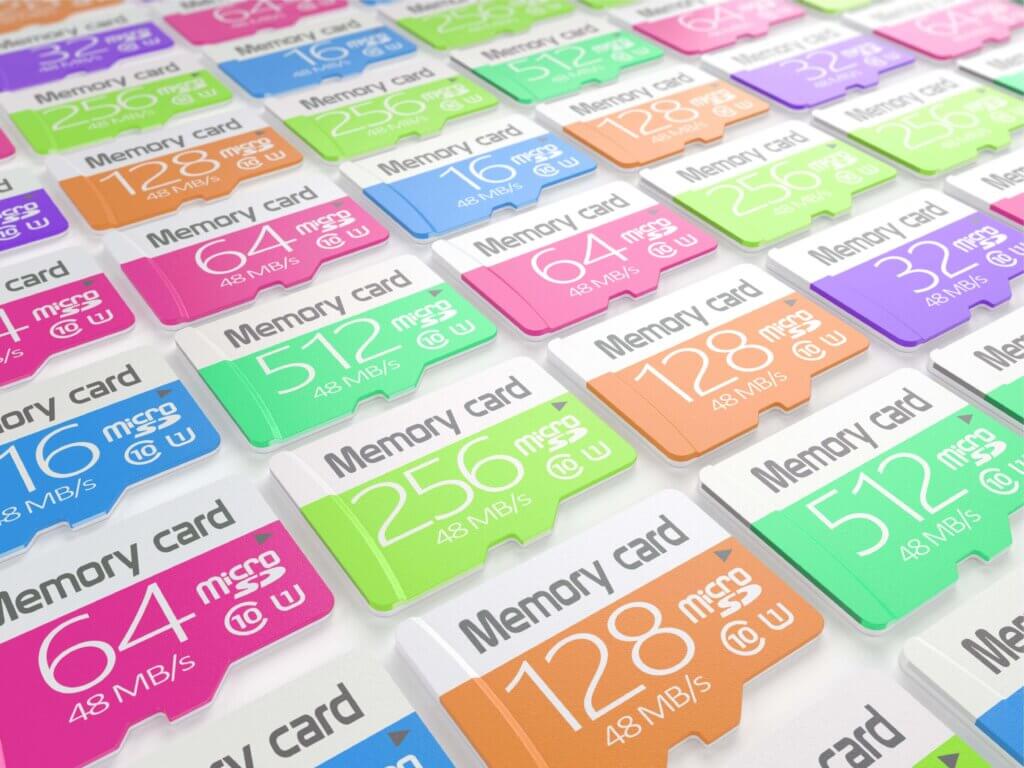
Who Makes SD Cards?
An SD card has three main parts: NAND flash memory, a controller with its firmware, and the card housing. SD card companies differ in how much of this they make themselves. Some make their own flash and controllers. Others build cards from flash and controllers they buy and then test, package, and brand them. Distributors and other SD card suppliers sell branded cards and OEM cards in volume. All of them build to the same SD Association specification, so every card fits a standard SD or microSD slot, but the parts inside decide reliability and endurance.
The microSD format started as SanDisk’s TransFlash (TF) card and was renamed microSD when the SD Association adopted it, which is why microSD cards are still called TF cards in many markets.
What to Check When Choosing an SD Card Manufacturer
Format, Capacity, and Speed Class
Start with what the host device supports:
- Format: SDHC covers more than 2GB up to 32GB; SDXC covers more than 32GB up to 2TB. Some older devices read only SDHC.
- Speed class: the number inside the “C” is the minimum sequential write speed in MB/s (C10 = 10 MB/s). UHS Speed Class U1 means 10 MB/s and U3 means 30 MB/s. Video Speed Class V30, V60, and V90 mean 30, 60, and 90 MB/s.
- Read and write speed: read speed sets how fast files load or copy off the card; write speed sets how fast the device can record. Recording devices depend on sustained write speed, not the peak read figure on the label.
NAND Flash Grade
- SLC (one bit per cell): the highest endurance and reliability, for write-intensive data logging and industrial controllers.
- pSLC (multi-bit flash run in single-bit mode by firmware): near-SLC endurance at a lower cost; common in surveillance, transportation, and embedded systems.
- MLC and 3D TLC: higher capacity at a lower cost; suitable for read-heavy work such as configuration storage or firmware hosting, or for consumer devices.
Ask each manufacturer which flash type and controller a card uses. A data sheet that lists only capacity and speed class does not answer that question.
Controller Firmware Features
- ECC (error correction code) corrects bit errors.
- Wear leveling spreads writes across the flash to extend its life.
- Power-loss protection protects data and the file table during sudden shutdowns.
- Auto refresh rewrites stored data to prevent read disturb.
- Health monitoring (SMART) reports remaining life so cards can be replaced before they fail.
Temperature, Shock, and Vibration
Industrial SD cards are commonly specified from -40°C to +85°C, against a much narrower range for consumer cards. In-vehicle recorders, outdoor equipment, and factory systems also expose cards to vibration, shock, dust, and moisture, and often record without interruption. For these uses, ask for the rated operating temperature range, the endurance rating, and how the card was tested.
Fixed BOM and Long-Term Supply
For a product that ships for years, the card you qualify must stay the same. Ask whether the manufacturer offers a fixed bill of materials (BOM), so that the controller, firmware, and flash do not change between batches without a formal product change notice (PCN), and how much notice it gives before end of life (EOL).
Samples and Testing
Qualify a manufacturer on samples that match the production build. Verify full capacity, run sustained write tests across the whole card, test in the host device across its temperature range, and repeat power-cycle tests during writes. After the first order, test random cards from each delivery for capacity and speed.
Customization Options from an OEM SD Card Manufacturer
An OEM or ODM manufacturer can build a card for one application instead of selling a catalog part. Common options:
- Branding: your logo or label by laser engraving or pad printing, and custom packaging.
- Capacity configuration: a capacity set for the application instead of a standard size.
- Firmware tuning: read and write behavior, caching, and feature settings matched to the host, for example fast boot or steady write throughput for video.
- Preloaded content: operating system images, bootloaders, or application software installed before shipment.
- Security: write protection, encryption, or secure erase.
- Screening: burn-in testing and thermal cycling before shipment.
- Supply planning: lifecycle planning, BOM freeze, and EOL notices.
Integrating OEM Memory Cards into Your Product
Before a new card goes into production, confirm that it works with the rest of the system:
- Hardware: test the card in the actual host device and card reader under real operating conditions.
- File system: SDXC cards come formatted as exFAT; some older systems need an update or driver to read exFAT.
- Firmware: check whether the host needs a firmware update for the new card, or whether the card firmware needs tuning for the host.
- After launch: monitor card health and field returns, and agree with the supplier how technical issues are handled.
Dellwa as Your SD Card Supplier
Dellwa has worked with industrial and commercial memory cards for more than 15 years. It supplies SanDisk, Kingston, HP, and eFOX cards in bulk and builds OEM memory cards with your logo and packaging. For Dellwa’s own MLC industrial microSD cards, the published figures are up to 80-92 MB/s read and 35-50 MB/s write at Class 10 or above, compatibility with microSDHC and microSDXC UHS-I hosts, 100% system testing from -25°C to +75°C, and certifications such as CE, FCC, and RoHS. Ask us for the warranty terms of the specific product you are quoting.
Browse the full range on our memory cards page. For bulk buying and pricing, see our guides to bulk SD cards and SD card wholesale prices. For industrial cards in detail, read SanDisk Industrial vs standard SD cards.
If you also buy USB drives, see our guides to bulk USB drives and custom flash drives.
To start an OEM project or request a quote, contact us with the application, card format and capacity, temperature range, quantity, and customization you need.