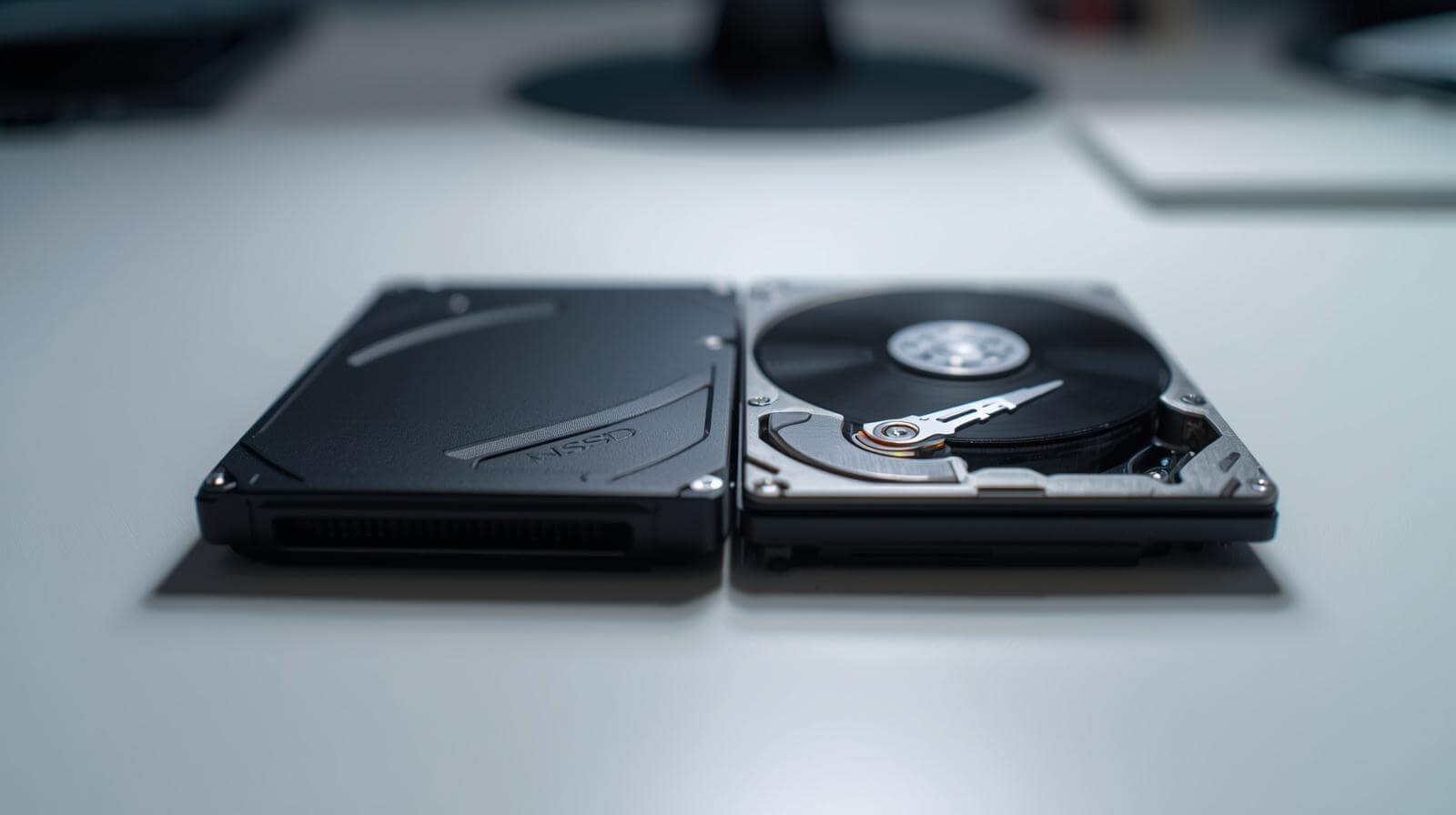
SSD vs HDD: Which One Should You Choose in 2026? (Speed, Cost & Use Cases)
SSD vs HDD: Quick Answer
- SSD (Solid State Drive) is faster, more durable, and better for performance
- HDD (Hard Disk Drive) is cheaper and better for large storage capacity
Understanding How Each Drive Works
If you’ve ever wondered why your friend’s older laptop sounds like a tiny jet engine during startup, while a newer device boots almost instantly, the answer lies in the fundamental design difference between SSD vs HDD. At their core, HDDs store data on spinning platters — a technology that hasn’t changed much since the 1980s — while SSDs rely on NAND flash chips with no moving parts. This shift from mechanical to solid-state dramatically changes speed, noise, power usage, and reliability.
Key differences at a glance:
HDD = mechanical, moving parts, slower, cheaper per GB
SSD = solid-state, silent, extremely fast, more durable
SSD excels in shock/vibration environments (travel, field work, industrial equipment)
Quick Comparison Table
| Feature | SSD | HDD |
|---|---|---|
| Speed | 550–7,400 MB/s | 80–160 MB/s |
| Boot Time | 10–15 sec | 45–90 sec |
| Durability | Excellent (no moving parts) | Vulnerable to drops/shock |
| Noise | Silent | Audible spinning & clicking |
| Power Use | Low | Moderate/High |
| Cost per GB | Higher | Lower |
| Ideal Use | OS, apps, gaming, video editing | Backup, archives, large media storage |
Performance Showdown — SSD vs HDD Speed, Boot Time & Real Benchmarks
SSD vs HDD Speed Comparison
Few tech comparisons show such dramatic differences as SSD vs HDD speed. In real benchmarks, SATA SSDs offer speeds around 550 MB/s, NVMe SSDs reach 3,500–7,400 MB/s, while typical HDDs are limited to 80–160 MB/s. That’s not a small difference — it’s a revolution.
Speed Comparison Table
| Drive Type | Read Speed | Write Speed | Difference vs HDD |
|---|---|---|---|
| HDD (7200 RPM) | 120 MB/s | 110 MB/s | Baseline |
| SATA SSD | 500–550 MB/s | 450–520 MB/s | ~4–5× faster |
| NVMe PCIe 3.0 | 3,000–3,500 MB/s | 2,800–3,200 MB/s | ~25× faster |
| NVMe PCIe 4.0/5.0 | 5,000–7,400 MB/s | 4,800–7,000 MB/s | ~50× faster |
Practical tip: If your software feels slow even after upgrading RAM/CPU, your storage is likely the bottleneck — a common issue solved instantly with SSD.
Next, let’s explore how these speed differences translate into real-world boot times.
Real-World Boot Time Differences
The easiest way to feel the difference between SSD vs HDD is during boot-up. A system with an HDD often feels sluggish, while an SSD-equipped machine feels instant.
TechRadar tests show:
Windows 11 HDD boot: 45–90 seconds
Windows 11 SSD boot: 12–17 seconds
macOS SSD boot: consistently under 15 seconds
Boot Time Table
| System | HDD Boot Time | SSD Boot Time |
|---|---|---|
| Windows 11 | 60–90 sec | 12–17 sec |
| macOS (M1/M2) | SSD only | 10–14 sec |
| Linux Ubuntu | 45–70 sec | 8–15 sec |
Practical tip: If you want the single biggest speed upgrade for under $100, replacing an HDD with a SATA SSD is the highest ROI improvement available.
Durability in Harsh Environments (Shock, Vibration, Temperature)
If you work in industrial settings, outdoors, or travel frequently, the SSD vs HDD durability gap becomes even more dramatic. HDDs struggle with shock, vibration, and extreme temperatures, while SSDs thrive.
Environmental Tolerance Table
| Condition | SSD | HDD |
|---|---|---|
| Shock Resistance | Excellent (up to 1500G) | Poor (up to 350G) |
| Vibration | Very high tolerance | At risk of head crash |
| Temperature | -10°C to 70°C typical | 5°C to 55°C typical |
Practical tip: If your device moves, vibrates, or heats up, HDD is no longer an option — SSD is mandatory.
Next, let’s break down SSD endurance terms so you immediately know what TBW and MTBF really mean.
 TBW, MTBF & Write Endurance
Understanding endurance metrics is crucial in the SSD vs HDD debate, especially for professionals or power users.
TBW (Total Bytes Written):
How much data the SSD can write in its lifetime.
MTBF (Mean Time Between Failures):
Reliability estimate — SSDs often exceed 1.5–2 million hours.
DWPD (Drive Writes Per Day):
How often you can rewrite the entire drive daily during warranty.
Example:
A 1TB SSD with 600 TBW can write around 330GB/day for 5 years — far beyond normal everyday usage.
HDDs don’t use TBW; mechanical wear is their main failure mode.
Practical tip: If you’re a heavy content creator or database user, choose SSDs with higher TBW ratings like Samsung Pro or Kingston KC series.
Now let’s apply this knowledge to everyday reliability across different devices.
SSD Comparison Table: Brand, Interface, Speed, Endurance, Best Use Case
2026 SSD Comparison Table
| Model | Interface | Read Speed | Endurance | Best Use Case |
|---|---|---|---|---|
| Crucial MX500 | SATA | 560 MB/s | Medium | Budget upgrades, office PCs |
| Samsung 870 EVO | SATA | 560 MB/s | High | Reliable long-term use |
| WD Black SN850X | NVMe PCIe 4.0 | 7,300 MB/s | High | Gaming, pro workloads |
| Samsung 990 Pro | NVMe PCIe 4.0 | 7,450 MB/s | High | Heavy multitasking, editing |
| Kingston KC3000 | NVMe PCIe 4.0 | 7,000 MB/s | Medium-High | Productivity, workstation |
| Crucial T700 | NVMe PCIe 5.0 | 11,000+ MB/s | High | Future-proof systems |
| Samsung T9 (External) | USB 3.2 Gen 2 | 2,000 MB/s | High | Portable high-speed workflows |
Frequently Asked Questions (FAQ)
1. Is SSD really better than HDD for everyday use?
Absolutely—especially in the SSD vs HDD comparison for daily tasks like browsing, opening apps, and booting your computer. SSDs make systems feel instantly more responsive. Most users experience a 2–10× performance improvement when switching from HDD to SSD.
Practical tip: If your computer is more than 3 years old and still running an HDD, upgrading to SSD will feel like buying a new machine.
2. Does SSD improve gaming performance?
Yes—though not in frame rates. In gaming, SSDs massively reduce load times, texture pop-in, and fast-travel delays. Games like Cyberpunk 2077 and Call of Duty load 40–60% faster on SSD vs HDD.
Practical tip: Install your top 3–5 favorite games on SSD and leave older or rarely played titles on HDD.
3. Which lasts longer: SSD or HDD?
In practical real-world usage, modern SSDs tend to last longer than HDDs because they lack mechanical parts that wear out. HDDs fail more often due to motor, platter, or read/write head failure. SSD endurance (TBW) ensures years of heavy use.
Reality check:
HDD failure rates: 1.5–2.5% annually
SSD failure rates: 0.5–1% annually
Practical tip: For mobile devices, choose SSD every time—HDDs fail easily from shocks.
4. Can I use both SSD and HDD together?
Definitely—and it’s often the smartest solution. A hybrid setup gives you SSD speed and HDD capacity. Many professional creators and gamers use SSD for OS/apps and HDD for large libraries, backups, and raw files.
Practical tip: 1TB SSD + 4TB HDD is the most common and cost-efficient hybrid setup in 2025.
5. Is NVMe much faster than SATA SSD?
Yes—dramatically. NVMe drives can deliver 7–12× faster speeds compared to SATA SSDs. The interface (PCIe) is what enables these huge gains. For large file transfers, video editing, or heavy multitasking, NVMe is the best choice.
| SSD Type | Typical Read Speed |
|---|---|
| SATA SSD | 550 MB/s |
| NVMe SSD (PCIe 4.0) | 3,500–7,500 MB/s |
| NVMe SSD (PCIe 5.0) | 10,000–12,000+ MB/s |
Practical tip: If your motherboard supports NVMe, always choose NVMe over SATA.
6. How much SSD storage do I need in 2025?
Storage needs vary by user, but general recommendations are:
256GB: Basic office/web (minimum recommendation)
512GB: Students & general household users
1TB: Gamers & creators
2TB+: Professionals editing 4K/8K video
Practical tip: Games have grown significantly in size—2025 AAA titles can easily exceed 100GB each. Aim for at least 1TB SSD.
7. Are HDDs dying in 2025?
HDDs are not dying—they are simply shifting roles. While SSDs dominate performance and consumer devices, HDDs remain widely used in servers, NAS systems, and large archival storage because they offer the lowest cost per TB.
Think of it this way:
SSD = performance tier
HDD = capacity tier
Practical tip: HDDs still matter—but mostly for secondary storage, not as primary drives.
Conclusion
Whether you’re upgrading a laptop, building a custom PC, or provisioning storage for your business, choosing the right drive can dramatically affect performance and reliability. SSDs offer a modern, fast experience, while HDDs continue to deliver unmatched value for bulk storage. The smartest setups often combine both technologies.
If you’re ready to choose the perfect drive for your needs, feel free to Contact Us
we can help you select the ideal SSD or HDD setup tailored to your workload, budget, and system requirements.