
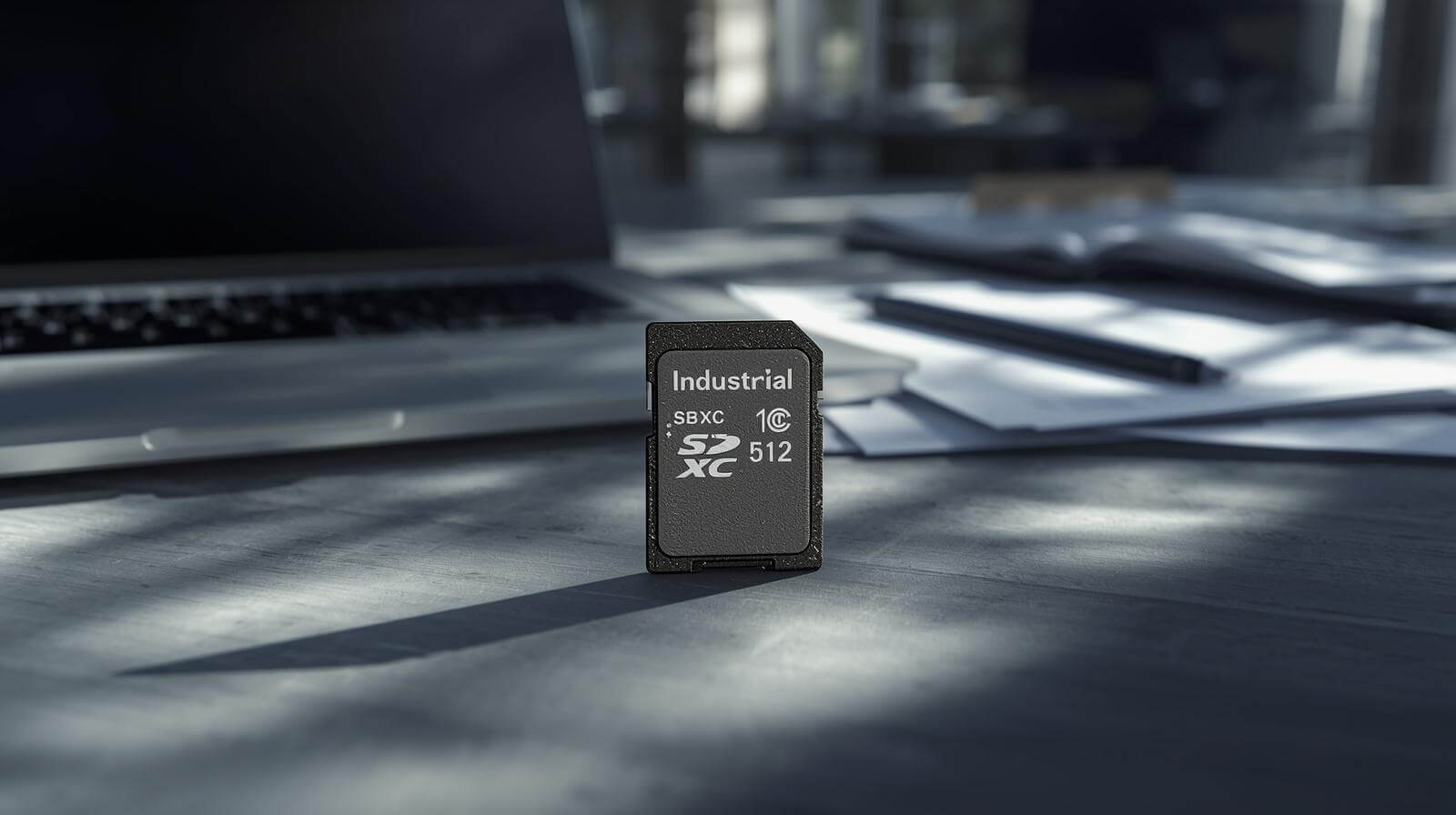
SDXC in 2026: The B2B Buyer’s Guide for Global SMB Owners and Managers
Why SDXC Became a Strategic Topic in 2026
SDXC is no longer a simple “bigger memory card” decision. In 2026, global B2B teams are dealing with three simultaneous pressures: growing edge-AI data volume, uneven memory pricing cycles, and stronger customer expectations on uptime.
For SMB owners and managers, this means storage choices now directly affect operating reliability, field support workload, and customer trust.
In traditional hardware procurement, memory cards were often sourced late in the cycle. Today, that approach creates hidden operational risk. If card behavior, host compatibility, or replenishment planning is misaligned, the result is rarely a dramatic day-one failure. More often, problems appear gradually: increased support tickets, inconsistent logs, replacement visits, and delayed project expansion.
For this reason, SDXC should be handled as a cross-functional decision involving procurement, operations, and technical management. The best-performing teams use a repeatable framework, not ad-hoc purchasing.
Memory industry context that affects SDXC planning
Three market realities matter:
1) Edge workloads now retain more data locally before sync.
2) NAND pricing has remained cyclical, rewarding forecast-led buying.
3) Deployment footprints are more distributed, making consistency crucial.
These trends push SDXC from a commodity line item into a lifecycle-managed component.
SDXC Fundamentals Every B2B Decision-Maker Should Know
SDXC (Secure Digital eXtended Capacity) generally starts at 64GB and extends to 2TB by specification. That is the technical definition—but B2B value comes from how SDXC supports longer retention windows, fewer maintenance touchpoints, and improved field resilience.
A common mistake is to assume physical fit equals deployment fit. In practice, SDXC adoption impacts file-system handling, firmware behavior, and maintenance SOPs.
Table 1: SD / SDHC / SDXC Comparison for B2B Use
| Standard | Typical Capacity Range | Common File System | Typical B2B Concern |
|---|---|---|---|
| SD | Up to 2GB | FAT16 | Insufficient for modern logging workloads |
| SDHC | 4GB–32GB | FAT32 | Capacity limits for long-term data storage |
| SDXC | 64GB–2TB | exFAT | Compatibility issues with legacy systems |
For procurement teams, this table is useful because it links technical category to business risk, not just storage size.
How to Evaluate SDXC for Real B2B Workloads
A high-quality SDXC decision starts with workload clarity, not model popularity.
Capacity planning by data profile
Capacity should be selected using four inputs:
– Daily data generation
– Required local retention duration
– Overwrite policy
– Maximum tolerated sync outage
Table 2: Practical SDXC Capacity Planning Matrix
| Workload Type | Data per Day | Retention Goal | Suggested Capacity Tier |
|---|---|---|---|
| Light telemetry gateway | 1–3 GB | 7 days | 64–128GB |
| Event-driven surveillance node | 5–15 GB | 7–14 days | 128–256GB |
| Continuous capture/logging | 20+ GB | 14+ days | 256GB+ |
This is a planning baseline, not a universal rule. Its value is standardization across teams.
Speed class and sustained behavior
Speed labels help, but B2B deployment requires sustained performance understanding:
– Sequential write endurance over long sessions
– Burst-write consistency
– Mixed read/write behavior
– Thermal stability in enclosed environments
A card that performs well in short benchmark tests may degrade under real operating patterns. That’s why technical qualification should reflect field-like conditions.
Compatibility and software handling
Because SDXC environments commonly use exFAT, compatibility checks should include:
– Host firmware support
– Operating system image support
– Partition assumptions
– Recovery behavior after reboot/power fluctuation
Procurement does not need to run lab tests directly, but it should require clear technical sign-off before supplier lock-in.
Endurance and lifecycle fit
Not every use case needs the same endurance profile. The most efficient teams define workload classes (Light/Medium/Heavy write) and map approved SDXC options to each class. This avoids both overspending and under-spec failures.
B2B Procurement Framework for Owners, Buyers, and Managers
Strong SDXC programs share one characteristic: decision alignment across business, sourcing, and technical functions.
Build a standardized RFQ package
Your RFQ should always include:
– Use-case category
– Capacity range
– Workload profile
– Compatibility requirements
– Pilot and scale forecast
– Regional delivery requirements
– Required documentation format
This reduces ambiguous quotations and speeds internal approval.
Use weighted supplier scoring
Table 3: SDXC Supplier Scorecard (Example)
| Criterion | Weight | Supplier A | Supplier B | Supplier C |
|---|---|---|---|---|
| Technical fit | 30% | 8 | 9 | 7 |
| Supply continuity confidence | 25% | 7 | 8 | 6 |
| Commercial clarity | 15% | 8 | 7 | 8 |
| Response & support quality | 15% | 9 | 7 | 6 |
| Lifecycle transparency | 15% | 8 | 8 | 5 |
Weighted models reduce price-only bias and improve long-term execution quality.
Avoid quote-first behavior
One recurring issue in SMB procurement is requesting quotes before freezing requirements. This creates apples-to-oranges offers and repeated negotiation loops. Always lock minimum technical and supply requirements first.
Cost, Risk, and ROI View for SDXC Decisions
Unit cost matters, but operational cost determines outcome. In B2B systems, avoid narrow “piece price only” analysis.
Table 4: SDXC Total Cost Components
| Cost Component | Visibility | Operational Impact |
|---|---|---|
| Unit card price | High | Easy to compare, often overemphasized |
| Support labor | Medium | Scales quickly across multiple deployments |
| Field replacement logistics | Medium | Increases service and maintenance costs |
| Downtime impact | Low–Medium | Can exceed initial hardware cost savings |
| Internal coordination overhead | Low | Slows deployment, scaling, and execution |
A practical ROI model should estimate incident reduction, support-hour savings, and deployment consistency gains—not only procurement savings.
Post-Purchase Governance for Scale
Good SDXC selection can still fail without governance after purchase.
Define SKU governance
At minimum, set:
– Primary approved SKU(s)
– Secondary/backup SKU(s)
– Replacement trigger conditions
– Change approval workflow
This prevents uncontrolled SKU drift that increases support complexity.
Establish regional replenishment rules
For multi-country operations, define:
– Minimum stock by region
– Reorder thresholds
– Emergency transfer process
– Supplier escalation path
This shifts teams from reactive buying to controlled continuity.
Common SDXC Mistakes to Avoid
1) Assuming all SDXC-labeled products behave similarly.
2) Skipping host compatibility checks.
3) Maintaining too many capacity variants.
4) Choosing by lowest quote without execution scoring.
5) Leaving replacement policy undefined.
Each mistake increases long-term operational friction.
30-Day SDXC Improvement Plan
Week 1: Classify workloads and freeze compatibility checklist.
Week 2: Launch standardized RFQ template.
Week 3: Score suppliers and confirm pilot/scale plan.
Week 4: Publish approved SKU and replenishment policy.
This simple timeline gives SMB teams a practical path to fast improvement.
Conclusion
In 2026, SDXC is a business continuity decision disguised as a storage specification. Teams that succeed treat SDXC as a governed lifecycle component rather than a late-stage commodity purchase.
The most reliable procurement outcomes usually come from four habits:
– workload-based capacity logic,
– compatibility validation before commitment,
– weighted supplier scoring,
– post-purchase governance and replenishment discipline.
Do these consistently, and SDXC becomes a stability lever instead of a recurring support problem.
FAQ
Q1. What does SDXC mean for B2B buyers?
A: SDXC is an extended-capacity SD standard commonly used where larger local retention is needed. In B2B, it supports better resilience and fewer service interventions when matched correctly.
Q2. Is SDXC always better than SDHC?
A: Not automatically. SDXC offers higher capacity, but value depends on workload, compatibility, and operations design.
Q3. What is the biggest SDXC procurement risk?
A: Compatibility assumptions. Many failures come from host-side software/firmware mismatch rather than card labels.
Q4. How should SMB teams choose SDXC capacity?
A: Use daily data volume and retention targets first, then standardize a limited set of capacity tiers.
Q5. Should procurement prioritize lowest unit price?
A: Use balanced scoring. Supply continuity, technical fit, and support responsiveness often matter more long-term.
Q6. Why include tables in SDXC procurement content?
A: Tables speed cross-functional decision-making and reduce ambiguity between managers, buyers, and engineers.
Q7. What should we implement first this month?
A: Start with workload classification and a standardized RFQ format—these two actions usually deliver immediate improvement.
If you’re planning your next SDXC deployment, choosing the right supplier early can prevent long-term operational risks. At Dellwa, we support B2B teams with stable supply, consistent quality, and practical guidance from pilot to scale.
Have a project in mind? Contact us to discuss your requirements