
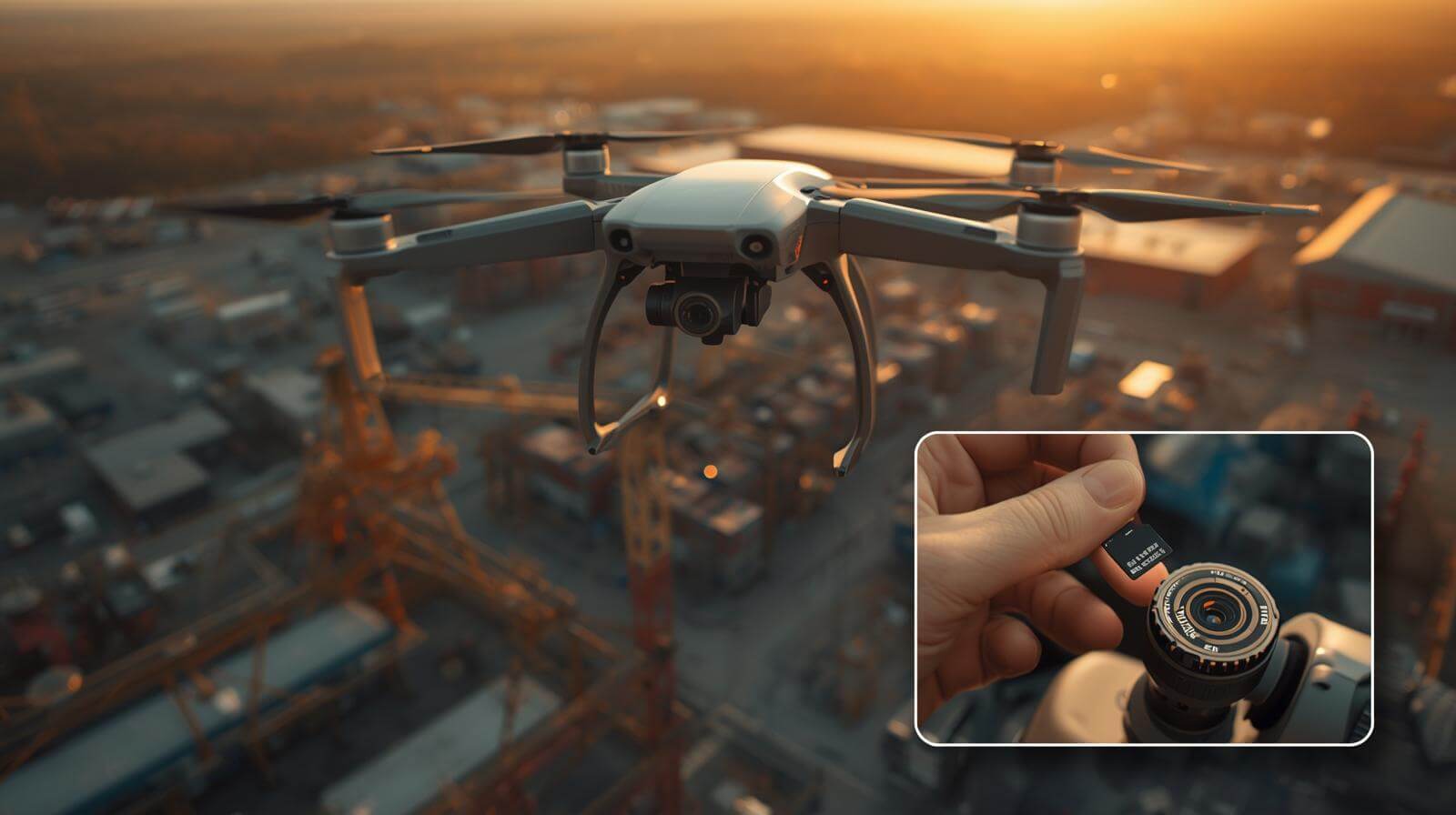
Why Choosing the Right microSD Card for Drone Matters More Than Ever
The Hidden Cost of “SD Card Too Slow” Errors
It usually happens at the worst possible moment—mid-flight, mid-mission, with the drone still in perfect condition but the recording suddenly stops. In one real inspection project, a Southeast Asian infrastructure contractor lost 40% of thermal footage because the drone rejected the card under sustained 4K recording. The culprit wasn’t the drone, but an underperforming microSD Card for Drone that couldn’t maintain stable write speed.
These failures create hidden costs beyond hardware:
-
Re-flight expenses (labor, battery cycles, permits)
-
Missed inspection windows
-
Client dissatisfaction or contract penalties
DJI and other manufacturers specify minimum sustained write requirements, yet many users still rely on consumer cards optimized for burst photography, not continuous video.
Practical tip: Always test a new card with a full-length recording before deploying it on a paid job.
Understanding why consumer cards fail under professional workloads leads directly to the next issue—the fundamental mismatch between consumer storage design and professional drone usage.
Consumer Cards vs Professional Drone Storage Needs
At first glance, a consumer microSD card and a professional-grade card may look identical—same capacity, similar speed labels, and even familiar brand names. However, the internal design tells a very different story. Consumer cards prioritize burst performance, while professional microSD Card for Drone applications demand sustained write stability over long durations.
A drone service provider in Japan reported that consumer cards throttled after 6–8 minutes of continuous recording due to heat buildup, while industrial-grade cards maintained performance for over 30 minutes. This difference comes from:
-
Controller firmware tuned for sustained workloads
-
Better thermal management
-
Higher endurance NAND flash
Practical tip: If your workflow involves long takes, mapping grids, or inspection loops, prioritize sustained write specifications over headline speeds.
Once you understand why professional cards matter, the next step is learning how to correctly interpret speed ratings like U3, V30, and V60, which are often misunderstood.
Understanding microSD Card Speed Ratings for Drones (U3, V30, V60 Explained)
UHS-I, UHS-II: What Your Drone Can Actually Use
One of the most common purchasing mistakes among B2B buyers is assuming that faster interface generations always improve drone performance. In reality, most drones on the market today—including professional and prosumer models—are designed around UHS-I interfaces. Installing a UHS-II microSD Card for Drone will not increase in-flight recording speed because the drone simply cannot access the second row of pins.
With interface limitations clarified, the more important question becomes which speed class—U3, V30, or V60—actually matches your recording needs, which we’ll address next.
U3 vs V30 vs V60 — Which One Is Enough?
Speed class confusion causes both overspending and underperformance. While U3 and V30 are often treated as interchangeable, their certification focus differs. U3 guarantees a minimum of 30 MB/s write speed, while V30 ensures sustained video recording performance, making it more relevant for a microSD Card for Drone.
Based on field data from aerial cinematography teams:
-
4K@60fps: V30/U3 is generally sufficient
-
5.1K, HDR, high-bitrate profiles: V60 provides safer headroom
-
Long continuous recording: V30+ with good thermal control is critical
Once the correct class is chosen, buyers must avoid another trap—being misled by marketing claims like “up to 170MB/s,” which we’ll break down next.
Why “Up to 170MB/s” Marketing Is Misleading
High numbers sell cards, but they rarely tell the truth about real-world drone performance. “Up to 170MB/s” almost always refers to peak read speed under ideal conditions, not the sustained write speed required for a reliable microSD Card for Drone.
In laboratory testing, some consumer cards advertised at 170MB/s dropped below 20MB/s after several minutes of continuous recording due to thermal throttling. That’s enough to trigger recording failure in 4K video modes.
Practical tip: Always look for Video Speed Class (V-rating) and sustained write benchmarks, not just headline speeds.
Understanding speed is only half the equation. The next critical decision—often underestimated—is choosing the right storage capacity, which directly affects operational efficiency.
How Much Storage Capacity Do You Really Need? (64GB vs 128GB vs 256GB+)
Storage Consumption by Use Case
Storage needs vary dramatically depending on how a drone is used. A photography-focused team may fly all day on a single card, while mapping or inspection missions can fill one rapidly. For example, a surveying company in Australia reported consuming over 180GB per day when flying grid missions with continuous video logging.
Typical consumption patterns:
-
Aerial photography: Low, burst-based storage
-
4K/5.4K video: 1–3GB per minute
-
Mapping & inspection: High, continuous data streams
Choosing the wrong capacity microSD Card for Drone leads to frequent card swaps and higher failure risk.
Practical tip: Estimate storage needs based on mission duration, not flight time.
Once usage is clear, capacity selection becomes much easier—which leads directly into practical capacity recommendations.
Capacity Recommendations for Professional Drone Operations
Capacity decisions should balance convenience, risk, and endurance. While larger cards reduce swap frequency, they also increase the impact of a single card failure. Based on industry best practices:
-
128GB: Short missions, controlled environments
-
256GB: Standard B2B field operations
-
512GB+: Remote sites, long missions, limited offload access
A European energy inspection firm standardized on 256GB cards after finding it reduced downtime by 30% without increasing failure rates.
Practical tip: Use multiple medium-capacity cards instead of one oversized card for risk management.
Capacity, however, only works when paired with the correct file system—bringing us to the final technical consideration.
microSDXC and File System Considerations (exFAT)
Most modern drones require microSDXC cards formatted in exFAT, especially for files larger than 4GB. Using the wrong file system can result in split files, unreadable footage, or card recognition errors—issues frequently mistaken for hardware failure.
In one real case, a media team experienced repeated corruption until they reformatted their microSD Card for Drone in-camera to exFAT, immediately resolving the issue.
Practical tip: Always format cards inside the drone before critical missions to ensure compatibility and clean allocation tables.
With capacity and file systems properly configured, you’re now equipped to evaluate microSD cards not just by specs—but by real-world reliability, which naturally leads into supplier and product selection, the logical next step in the article.
Reliability Factors Most Articles Ignore
Heat, Cold, and Continuous Write Stress
A microSD card that performs well in a lab may fail in the sky. One wind-farm inspection team in Northern Europe reported intermittent write errors during winter flights—not due to speed, but cold-start instability. Meanwhile, summer operations introduce thermal buildup from prolonged recording and direct sun exposure. For any microSD Card for Drone, temperature tolerance and sustained-write stability are decisive.
Real-world stress factors include:
-
High-altitude cold starts (controller timing instability)
-
Summer heat causing thermal throttling
-
Long uninterrupted 4K/5.1K recording sessions
Practical tip:
Choose cards rated for wide operating temperatures and test them with a full-length recording in similar environmental conditions.
Once environmental stress is addressed, the next reliability risk lies deeper—how many times the card can be written before it degrades.
Endurance, TBW, and Write-Cycle Reality
Many users assume endurance only matters for surveillance or dashcams, but video drones write data continuously at high volume. A mapping operator flying daily missions can write hundreds of gigabytes per week. Without sufficient endurance, a microSD Card for Drone may silently degrade, leading to corrupted footage months later.
Key endurance concepts often overlooked:
-
NAND write-cycle limits still apply to video
-
Consumer cards optimize speed, not lifespan
-
High-endurance cards trade peak speed for consistency
Practical tip:
If your drone flies daily or commercially, prioritize cards with endurance ratings or enterprise-grade NAND—even if the speed class is the same.
However, even the best card fails if it isn’t authentic, which brings us to the most underestimated risk in the market.
How to Avoid Fake or Unstable microSD Cards
Common warning signs:
-
Unrealistically low prices
-
Inconsistent packaging or serials
-
Capacity mismatch under testing
Best practices:
-
Buy from authorized B2B suppliers
-
Verify cards with full-capacity write tests
-
Standardize approved models internally
Once reliability is secured, the next challenge is choosing the right card for the right drone, not just “the best” card.
How to Match microSD Cards to Your Drone Model and Application
Consumer Drones vs Enterprise / Industrial Drones
Not all drones create the same storage load. A consumer media drone used for short video clips differs drastically from an industrial drone flying programmed inspection routes. Choosing a microSD Card for Drone without considering application often leads to overspending—or worse, underperformance.
Typical differences:
-
Media drones: Short clips, high peak bitrate
-
Inspection/survey drones: Long, continuous writes
-
AI/edge drones: Simultaneous recording + processing
Practical tip:
Start with how the drone is flown, not its brand or camera specs.
Once the drone category is clear, it becomes easier to define the exact specifications needed for each application.
Recommended Specs by Drone Application
Different missions demand different storage profiles. Based on field data from professional operators, the following mapping reduces failure risk while controlling cost:
| Application | Recommended microSD Card Specs |
|---|---|
| Aerial photography | U3 / V30, standard endurance |
| Video production | V30–V60, strong thermal stability |
| Mapping / LiDAR / thermal | V30+, high endurance, wide temp |
Practical tip:
Avoid “one-card-fits-all” policies. Assign card types per mission to extend lifespan and reliability.
Even with perfect specs, B2B buyers face another challenge—long-term supply consistency, which consumer brands rarely guarantee.
Why OEM-Grade Supply Matters for B2B Buyers
For commercial drone operators, consistency matters as much as performance. Changing controllers or NAND mid-project can introduce unpredictable behavior. That’s why OEM-grade microSD Card for Drone supply focuses on stability, not just speed.
What OEM-grade supply ensures:
-
BOM stability across batches
-
Long-term availability for multi-year projects
-
Consistent performance across fleets
Practical tip:
Standardize approved SKUs and suppliers to avoid “same label, different internals” risks.
This is precisely where specialized B2B suppliers like Dellwa become relevant.
Why B2B Buyers Choose Dellwa microSD Cards for Drone Applications
What Makes Dellwa microSD Cards Suitable for Drones
Dellwa microSD Card for Drone solutions is real operational conditions, not just benchmark numbers. Cards are validated for sustained write speed, thermal stability, and long-term availability—key requirements for commercial drone deployments.
Key strengths include:
-
Verified sustained write performance
-
Stable controller and NAND sourcing
-
Options spanning professional to industrial grade
Practical tip:
When evaluating suppliers, ask about component change control, not just speed ratings.
These strengths translate directly into real-world success across multiple industries.
Use Cases: From Aerial Imaging to Industrial Inspection
Dellwa microSD cards are used by:
-
Media production teams capturing long-form footage
-
System integrators deploying drone solutions at scale
-
Inspection providers in energy, construction, and infrastructure
In one industrial inspection project, switching to standardized Dellwa cards reduced storage-related mission failures by over 30% within six months.
This leads naturally to the final question—how B2B customers can work with Dellwa efficiently.
(FAQ)Frequently Asked Questions About microSD Cards for Drones
What is the minimum microSD card speed for drones?
Most drones require U3 or V30 for stable recording. Lower classes often fail under sustained video load.
Is V30 enough for 4K drone video?
Yes, for most 4K modes. Higher bitrates or HDR may benefit from V60.
Do drones benefit from UHS-II microSD cards?
In-flight, usually no. UHS-II mainly improves offload speed with compatible readers.
How often should I replace a microSD card used in drones?
For commercial use, evaluate cards every 6–12 months or after heavy write cycles.
Can one microSD card be used across multiple drones?
Technically yes, but best practice is to format in each drone and avoid mixing mission types.
Conclusion
Choosing the right microSD card for drone is not just about speed—it’s about reliability, compatibility, and long-term operational safety.
Explore professional microSD solutions at dellwa.com
or contact our team for B2B consultation.