
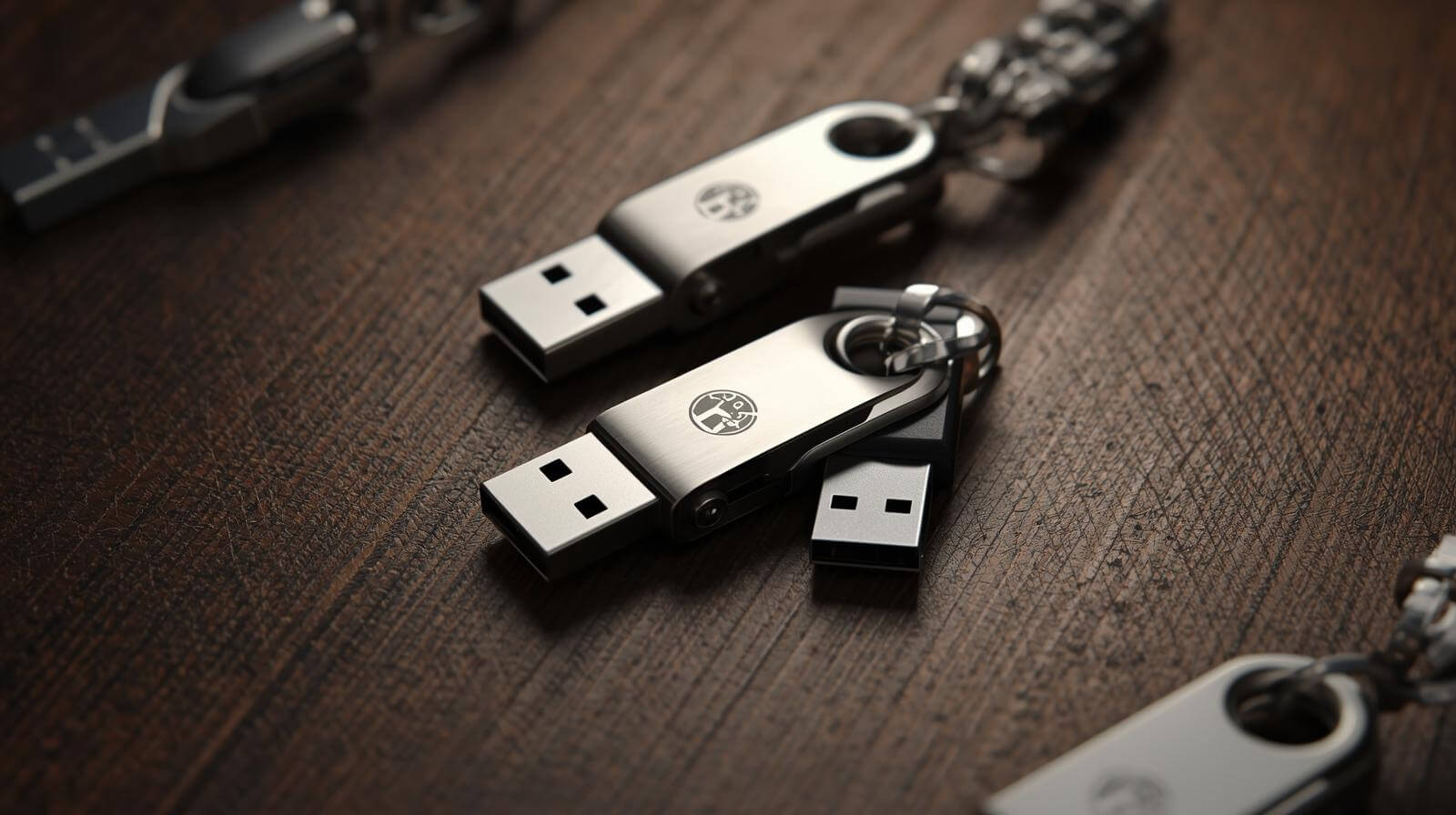
What Buyers Compare Before Requesting a Quote
Price, MOQ, Lead Time
Every sourcing conversation starts with three numbers. When comparing Bulk USB Drives, buyers usually check:
-
Unit price – varies by capacity and volume
-
MOQ – commonly 100–500 units
-
Lead time – typically 7–20 days
Example: a trade show agency ordering 3,000 Bulk USB Drives prioritized fast delivery. Next, buyers usually compare storage capacity.
Capacity Options (8GB–128GB)
Capacity quickly narrows supplier options when sourcing Bulk USB Drives. Most business buyers choose practical ranges:
| Capacity | Typical Use |
|---|---|
| 8GB | simple documents |
| 16GB | brochures, slides |
| 32GB | catalogs, videos |
| 64GB+ | software installers |
A software vendor switched to 64GB Bulk USB Drives after installers exceeded 20GB. Next question: customization.
Logo, Packaging, Preload
Customization often turns Bulk USB Drives into marketing tools. Common services include:
-
Logo printing on casing
-
Custom packaging for events
-
Data preloading with catalogs or videos
Example: a trade fair exhibitor distributed 2,000 Bulk USB Drives preloaded with product demos. Before comparing suppliers further, buyers usually evaluate technical specs.
Choosing the Right USB Drive
Capacity vs Budget
Choosing capacity carefully prevents overspending on Bulk USB Drives.
Quick rule used by procurement teams:
| File Size | Recommended Drive |
|---|---|
| 2–4GB | 8GB |
| 5–10GB | 16GB |
| 10–25GB | 32GB |
A marketing firm distributing 7GB campaign videos selected 16GB Bulk USB Drives to reduce costs. Next consideration: transfer speed.
USB 2.0 vs USB 3.0
Speed impacts the usability of Bulk USB Drives, especially for large files.
Typical transfer comparison:
| Interface | 10GB Copy Time |
|---|---|
| USB 2.0 | ~10–12 minutes |
| USB 3.0 | ~2–3 minutes |
A training company switched to USB 3.0 Bulk USB Drives after complaints about slow transfers. However, speed is only one factor—build quality also matters.
Promotional vs Business Grade
Not all Bulk USB Drives are designed the same.
Promotional drives
-
lower cost
-
simple casing
-
basic flash memory
Business-grade drives
-
better controllers
-
more stable performance
-
lower failure rates
An IT department distributing training materials switched suppliers and reduced failure rates below 1%. Next, buyers evaluate pricing factors.
What Affects Bulk USB Drive Pricing
Capacity, Interface, Materials
Three factors strongly influence Bulk USB Drives pricing:
-
Capacity (largest cost driver)
-
USB interface (USB 3.0 usually higher)
-
Casing material (plastic vs metal)
Example: metal Bulk USB Drives used as executive gifts often cost 20–30% more. After specifications, customization becomes the next pricing factor.
Printing, Packaging, Preloading
Customization adds branding value to Bulk USB Drives, but also affects price.
Typical cost add-ons:
-
logo printing
-
custom packaging
-
file preloading
A product launch campaign used preloaded videos on 2,500 Bulk USB Drives, slightly increasing cost but improving presentation. Still, experienced buyers remain cautious about extremely low quotes.
The Risk of Ultra-Cheap Quotes
Extremely cheap Bulk USB Drives can create hidden risks.
Common issues include:
-
recycled flash chips
-
fake capacity
-
unstable controllers
-
inconsistent batches
Many procurement teams test samples before approving orders. For example, one distributor verified capacity on 500 sample Bulk USB Drives before placing a 5,000-unit order.
Custom Bulk USB Drives
Logo Printing
A logo instantly turns Bulk USB Drives into a marketing asset rather than just storage.
Common corporate uses:
-
Trade show giveaways
-
Corporate onboarding kits
-
Press kits or media packs
Example: a tech conference distributed 2,000 logo-branded Bulk USB Drives, keeping the brand visible long after the event. Many buyers then consider preloaded content.
Preloaded Content
Preloading files makes Bulk USB Drives more useful from the moment recipients plug them in.
Typical preloaded materials include:
-
product catalogs
-
demo videos
-
software installers
-
presentation decks
Example: a manufacturing company distributed Bulk USB Drives containing installation manuals and videos during a trade fair. Once content is prepared, packaging becomes the next branding decision.
Custom Packaging
Packaging can dramatically change how recipients perceive Bulk USB Drives.
Common options:
| Packaging | Typical Use |
|---|---|
| Plastic box | budget events |
| Paper sleeve | eco promotions |
| Gift box | premium campaigns |
A luxury brand used magnetic boxes for Bulk USB Drives, increasing perceived value. After customization, buyers should evaluate product quality.
Avoid Low-Quality Drives
Memory Quality Matters
The casing may look attractive, but the flash memory determines whether Bulk USB Drives perform reliably.
Key quality factors:
-
NAND flash grade
-
controller stability
-
consistent write speed
Example: an event organizer once experienced file corruption due to low-grade chips in Bulk USB Drives. That experience often pushes buyers to scrutinize supplier offers more carefully.
Warning Signs
Extremely cheap offers for Bulk USB Drives often signal hidden risks.
Watch for these red flags:
-
unrealistic pricing
-
unclear flash chip source
-
no warranty information
-
inconsistent specifications
Procurement teams typically compare three suppliers before choosing Bulk USB Drives. Once a shortlist is created, sample testing becomes essential.
Sample Checklist
Before approving production, buyers usually test Bulk USB Drives using a simple checklist.
Key checks include:
-
real capacity verification
-
transfer speed testing
-
file copy stability
-
casing durability
Example: a distributor tested 100 sample Bulk USB Drives before ordering 5,000 units. After verifying quality, the final step is evaluating the supplier itself.
Evaluate Suppliers

Samples and Support
Reliable suppliers of Bulk USB Drives usually offer clear sample policies.
Typical evaluation points:
-
sample availability
-
response speed
-
technical support
-
production consultation
Example: a distributor prioritized suppliers who shipped sample Bulk USB Drives within five days. After confirming samples, buyers usually examine production consistency.
Consistency and Warranty
Large orders of Bulk USB Drives require consistent manufacturing.
Key supplier indicators:
-
batch testing procedures
-
warranty terms
-
quality inspection reports
Example: a training provider reduced return rates by sourcing Bulk USB Drives from a supplier that tests every batch. For long-term campaigns, repeat supply capability matters even more.
Long-Term Supplier
Experienced buyers treat Bulk USB Drives sourcing as a long-term partnership.
Important factors include:
-
stable pricing
-
reliable delivery schedules
-
consistent quality across orders
Example: a marketing agency running multiple events annually works with the same Bulk USB Drives supplier to maintain consistent branding and performance. This naturally leads to common buyer questions addressed in the FAQ section.